AI Workflow Automation | Automate Leads, Calls & Follow-Up with AI
Regular workflow automation services already handle a lot — missed call text-backs, reminders, drip sequences. But there's a ceiling to what "if this, then that" logic can do on its own. It can send a message. It can't hold a conversation, answer a question in context, or talk a hesitant lead into booking a call.
That's the gap AI workflow automation closes. By layering conversational AI and voice agents on top of existing CRM workflows, businesses aren't just automating tasks anymore — they're automating actual conversations, at scale, without sounding robotic.
What Makes This Different From Regular Automation
Traditional automation follows a fixed script: trigger happens, action fires, done. AI workflow automation adds a layer of understanding on top of that structure. Instead of a static "we got your message, someone will call you back" text, an AI agent can:
Read what the lead actually typed and respond contextually
Answer common questions (pricing, availability, services) without a human involved
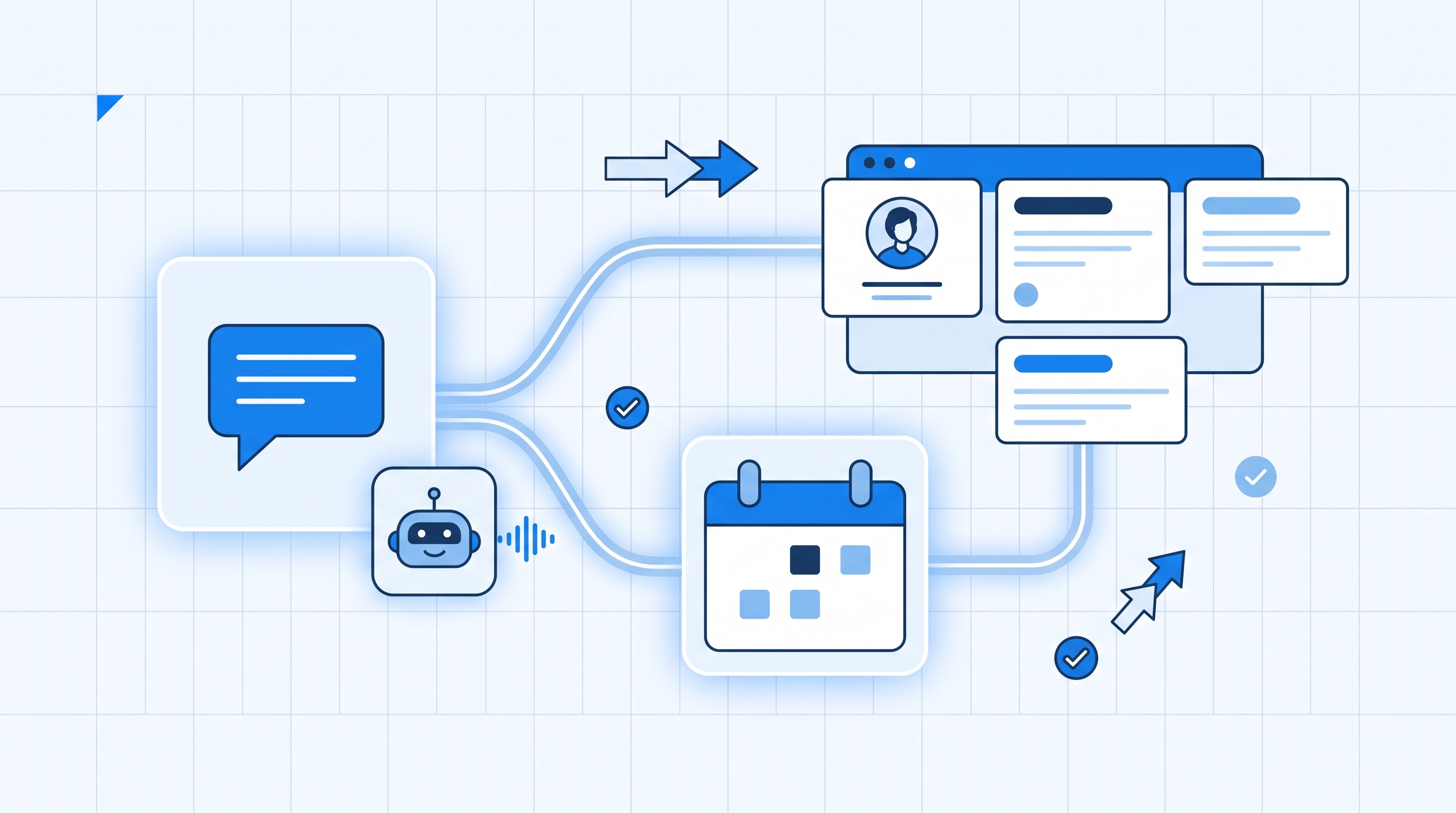
Check real-time calendar availability and book the appointment directly in the conversation
Hand off to a human only when the conversation genuinely needs one
The workflow structure stays the same underneath — it's still triggers, actions, and CRM updates — but the "action" itself becomes intelligent instead of scripted.
Where AI Fits Inside an Automated Workflow
Conversational AI for Lead Response
When a lead comes in through a form, Facebook ad, or DM, an AI chatbot can engage immediately — answering questions, qualifying the lead (budget, timeline, needs), and pushing genuinely interested leads straight to a booking link, all inside the same chat thread.
AI Voice Agents for Calls
Instead of a human rep making every outbound call, AI voice agents can handle first-contact calls, follow-ups, or basic support conversations — speaking naturally, logging the outcome, and updating the CRM pipeline stage automatically based on how the call went.
Smart Routing and Escalation
AI can also act as a filter: handling straightforward requests on its own and instantly escalating anything complex or high-value to a human team member, complete with a summary of the conversation so far — no lead has to repeat themselves.
Why Businesses Are Adopting AI Workflow Automation Now
It removes the "we're closed" gap. AI agents don't sleep. A lead messaging at 11 PM gets the same responsive experience as one messaging at 11 AM.
It handles volume without hiring. Whether 5 leads or 500 come in on a given day, the AI layer scales instantly — no recruiting, training, or scheduling required.
It keeps the CRM data clean automatically. Every AI conversation updates custom fields, tags, and pipeline stages in real time, so the sales team always has accurate context the moment they step in.
It's a natural next step, not a replacement. Most businesses don't jump straight to full AI automation — they build a solid workflow automation foundation first (missed-call text-back, reminders, nurture sequences), then layer AI on top once that base is running reliably.
Building It the Right Way
AI workflow automation lives or dies on the quality of the setup behind it — the prompts, the trigger logic, and how cleanly it's connected to your CRM and calendar. A poorly configured AI bot that answers vaguely or books the wrong appointment slot does more damage than no automation at all.
This is where working with an experienced GHL expert in Pakistan tends to pay off — someone who's already built the underlying CRM and workflow structure correctly, and understands how to layer AI on top without breaking what already works. It's also worth partnering with a proven GoHighLevel Certified Partner if you want the entire system — CRM, automation, and AI — built and maintained under one roof.
Getting Started
If you're new to this, don't try to automate every conversation with AI on day one. A practical rollout looks like:
Start with AI lead response on your highest-volume channel (usually forms or Facebook/Instagram DMs).
Add AI voice agents for simple, repetitive calls once the chat layer is stable.
Layer in smart escalation so complex conversations reach a human without friction.
Expand gradually to other channels as you confirm the AI is representing your brand accurately.
AI workflow automation isn't about replacing your team's judgment — it's about making sure every lead gets an instant, intelligent response, at any hour, while your CRM data stays clean and your team only steps in where a human touch actually matters. Paired with a solid workflow automation foundation, it's quickly becoming the standard for businesses that want to compete on speed, not just spend.


