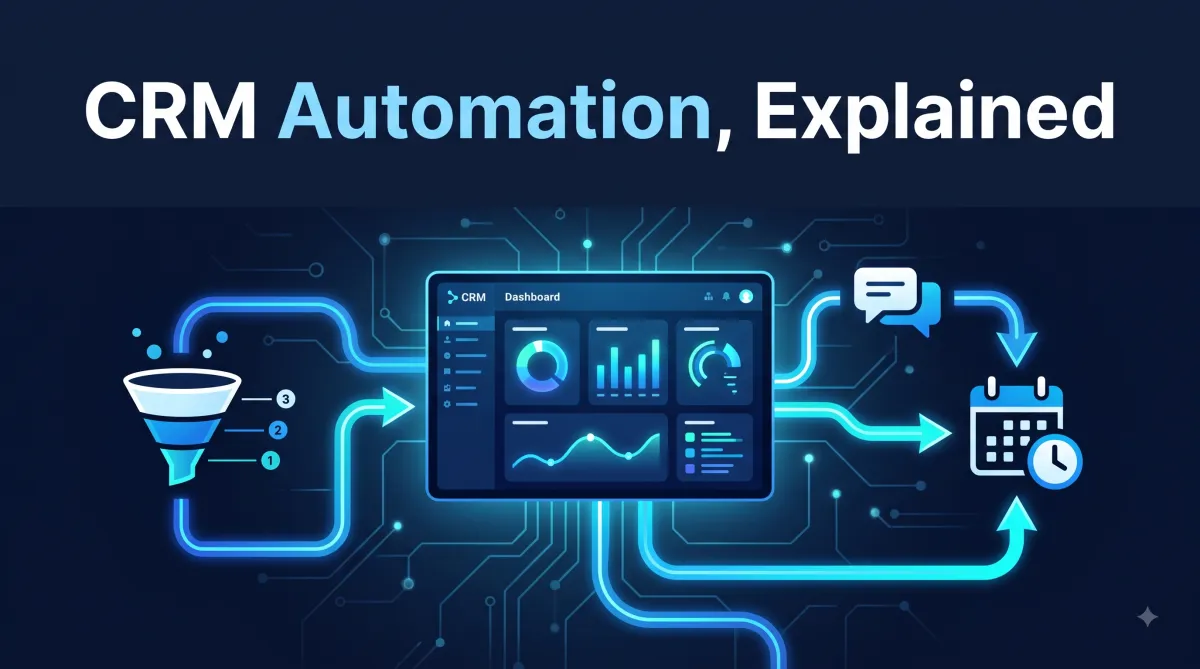
CRM Automation Guide: How It Works & Why It Matters
If you're running a business today, you already know the feeling: leads come in, but half of them never get a timely response. Follow-ups slip through the cracks. Your team spends hours on repetitive tasks that a system could handle in seconds. This is exactly the problem CRM automation was built to solve.
In this guide, we'll break down what CRM automation actually means, why it matters, how it works in practice, and how you can start using it to save time, close more deals, and deliver a better customer experience — without hiring a bigger team. This is based on what we've seen work (and fail) while setting up CRM automation for real businesses, not just theory.
What CRM automation is and why it matters now
The 7 areas where it has the biggest impact
How triggers, conditions, and actions actually work
Where AI fits into modern CRM automation
Common mistakes to avoid
A practical step-by-step way to get started
What Is CRM Automation?
CRM automation is the process of using software to handle repetitive customer relationship tasks automatically — things like sending follow-up messages, assigning leads, scheduling appointments, updating records, and triggering workflows based on customer behavior.
Instead of a sales rep manually emailing every new lead, checking in a few days later, and updating a spreadsheet by hand, an automated CRM does all of this instantly and consistently. The moment a lead fills out a form, calls, or messages your business, the system can respond, tag them, assign them to the right person, and start a follow-up sequence — all without anyone lifting a finger.
At its core, CRM automation removes the manual, repetitive work from managing customer relationships so your team can focus on what actually requires a human touch: building relationships, solving problems, and closing deals.
Why CRM Automation Matters More Than Ever
Customer expectations have changed. People expect a response within minutes, not days. A 2023 study on lead response times found that businesses that respond to a new lead within five minutes are dramatically more likely to convert that lead than those that wait even thirty minutes. Most businesses simply can't hit that window with manual processes alone — especially outside of business hours.
There are a few forces driving the shift toward automation:
Speed expectations are rising. Customers compare every business they interact with to the fastest, most responsive one they've ever dealt with. If a competitor replies in two minutes and you take two days, you lose the deal — even if your product or service is better.
Manual processes don't scale. A founder or small team can manage 20 leads a month by hand. At 200 leads a month, the cracks start to show. Automation lets you grow without proportionally growing your admin workload.
Data gets messy without structure. When follow-ups, notes, and next steps live in someone's memory or a scattered spreadsheet, things get lost the moment that person is busy, on vacation, or leaves the company. Automated systems keep everything centralized and consistent.
Competitors are already doing it. Businesses that automate lead response, follow-up, and nurturing are winning deals simply by showing up faster and more consistently than businesses that don't.
Core Areas Where CRM Automation Makes the Biggest Impact
1. Lead Capture and Instant Response
The first few minutes after someone shows interest in your business are the most valuable. CRM automation can instantly acknowledge a new lead — through text, email, or even an automated call — the moment they fill out a form, click an ad, or send a message. This alone can dramatically increase the percentage of leads that turn into actual conversations.
2. Follow-Up Sequences
Most sales are lost not because the offer was bad, but because nobody followed up enough times. Studies consistently show that it takes multiple touchpoints before a lead converts, yet most businesses stop after one or two attempts. Automated follow-up sequences send a series of scheduled messages — spaced out over days or weeks — without requiring anyone to remember to do it.
3. Appointment Scheduling
Instead of the back-and-forth of "does Tuesday work for you?" emails, automated booking systems let leads pick a time directly from your calendar. The system can also send automatic reminders to reduce no-shows, which is one of the most common (and expensive) problems for service-based businesses.
4. Lead Scoring and Routing
Not every lead is ready to buy right away. Automation can score leads based on their behavior — how quickly they responded, what pages they visited, what they clicked — and route the hottest leads directly to your sales team while nurturing the rest with automated content until they're ready.
5. Pipeline and Deal Management
A well-automated CRM keeps deals moving through your pipeline by triggering reminders, tasks, and notifications at each stage. If a deal sits untouched for too long, the system can flag it or automatically notify the assigned rep — so nothing quietly dies from neglect.
6. Customer Onboarding and Retention
Automation doesn't stop once a deal closes. Onboarding sequences can welcome new customers, walk them through next steps, and check in at key milestones. Retention campaigns can automatically re-engage customers who haven't interacted in a while, reducing churn without extra manual outreach.
7. Reviews and Reputation Management
After a purchase or service is completed, an automated system can request a review at exactly the right moment — when satisfaction is highest — and route unhappy customers to a private feedback channel instead of a public review, protecting your reputation while still capturing valuable feedback.
How CRM Automation Actually Works
Most modern CRM automation runs on a simple structure: triggers, conditions, and actions.
A trigger is the event that starts the automation — a form submission, a missed call, a tag being added, a date arriving.
A condition determines whether (and how) the automation should proceed — for example, only send this message if the lead hasn't replied yet, or only if they're in a specific location.
An action is what the system actually does — send an SMS, send an email, assign a task, notify a team member, update a field, or move the lead to a new pipeline stage.
You can chain these together into what's called a workflow: a sequence of steps that runs automatically based on real customer behavior. A simple example might look like this:
Trigger: New lead fills out a contact form
Action: Send an instant text message thanking them and letting them know someone will follow up
Condition: Wait 24 hours — has the lead replied?
Action (if no reply): Send a follow-up email
Condition: Wait 3 more days — still no reply?
Action: Send a final follow-up and notify the sales rep to make a personal call
This entire sequence runs without anyone manually tracking it, and it treats every single lead the same way — consistently and immediately — regardless of how busy your team is that day.
AI's Growing Role in CRM Automation
Traditional automation follows fixed rules: if X happens, do Y. AI adds a layer on top of that by allowing systems to understand and respond to natural language, not just trigger fixed sequences.
This shows up in a few practical ways:
AI conversation automation can read incoming messages, understand what the customer is actually asking, and respond conversationally — answering questions, qualifying leads, and booking appointments through natural back-and-forth conversation rather than rigid scripted replies.
AI voice agents extend this to phone calls, answering incoming calls, handling common questions, and routing or booking callers automatically, even outside business hours.
Predictive lead scoring uses AI to analyze patterns across all your past leads and predict which new leads are most likely to convert, so your team can prioritize their time more effectively.
The combination of rule-based automation and AI means a business can now handle nearly the entire early customer journey — first contact, qualification, follow-up, and booking — without a human needing to be involved until the lead is genuinely ready to talk.
Common Mistakes Businesses Make with CRM Automation
Automating everything at once. Trying to build a fully automated system on day one often leads to a tangled, hard-to-manage setup. It's better to start with the highest-impact automation — usually instant lead response — and expand from there.
Making it feel robotic. Automation should feel timely and helpful, not cold and generic. Messages that are clearly mass-produced, or that ignore context the customer already provided, damage trust rather than build it.
Forgetting to maintain it. A CRM automation system isn't "set and forget" forever. As your business changes — new services, new pricing, new team members — your workflows need occasional updates, or they'll start sending outdated information.
Skipping the human handoff. The goal of automation isn't to remove humans from the process entirely; it's to remove the busywork so humans can step in at the moments that matter most, like closing a deal or resolving a complex issue.
Not tracking performance. Automation should be measured just like any other part of your business. Response times, conversion rates, and follow-up completion rates tell you whether your workflows are actually working or need adjustment.
Getting Started with CRM Automation
If you're new to CRM automation, you don't need to automate your entire business overnight. A practical starting point looks like this:
Start with instant lead response. This has the highest immediate impact and is usually the easiest to set up.
Add a follow-up sequence. Make sure no lead falls through the cracks after that first response.
Automate appointment booking. Remove the scheduling back-and-forth entirely.
Set up review requests. Turn happy customers into public proof of your quality, automatically.
Layer in AI conversation handling once the basics are running smoothly, to handle a larger share of routine questions and interactions.
Each of these steps compounds. A business that automates just the first response and the follow-up sequence often sees a meaningful jump in conversion rate — simply because leads are no longer waiting, and no longer being forgotten.
Frequently Asked Questions
What is CRM automation in simple terms? CRM automation is software that automatically handles repetitive customer relationship tasks — like responding to leads, sending follow-ups, and booking appointments — instead of a person doing them manually.
Is CRM automation only for large businesses? No. Small and mid-sized businesses often benefit the most, since automation lets a small team respond and follow up like a much larger one, without the added headcount.
Does CRM automation replace sales and support staff? No. It removes repetitive busywork so staff can spend their time on conversations that actually need a human — negotiating, resolving issues, and closing deals.
How long does it take to set up CRM automation? A basic setup covering instant lead response and follow-up can often be running within days. More advanced systems with AI conversation handling and multi-step pipelines typically take longer to build and fine-tune.
What's the difference between CRM automation and AI automation? CRM automation generally follows fixed rules (trigger → action). AI automation adds the ability to understand natural language and respond conversationally, rather than just following a rigid script.
CRM automation isn't about replacing the human side of your business — it's about removing the repetitive, time-consuming tasks that get in the way of it. The businesses winning today aren't necessarily the ones with the biggest teams; they're the ones that respond fastest, follow up most consistently, and never let a lead slip through the cracks.
Whether you're just getting started or looking to take your existing setup further with AI-powered conversations and voice agents, the principle stays the same: automate the repetitive work, and spend your human time where it actually matters — building relationships and closing deals.


